
Server data from the Official MCP Registry
Screenshots, PDFs and Markdown from any URL or HTML for AI agents, via the SnapForge API
About
Screenshots, PDFs and Markdown from any URL or HTML for AI agents, via the SnapForge API
Remote endpoints: streamable-http: https://snapforge.org/mcp
Security Report
Valid MCP server (2 strong, 3 medium validity signals). 1 known CVE in dependencies (0 critical, 1 high severity) Package registry verified. Imported from the Official MCP Registry.
Endpoint verified · Open access · 2 issues found
Security scores are indicators to help you make informed decisions, not guarantees. Always review permissions before connecting any MCP server.
Permissions Required
This plugin requests these system permissions. Most are normal for its category.
What You'll Need
Set these up before or after installing:
Environment variable: SNAPFORGE_API_KEY
How to Install & Connect
Available as Local & Remote
This plugin can run on your machine or connect to a hosted endpoint. during install.
Documentation
View on GitHubFrom the project's GitHub README.
snapforge-mcp
MCP server for SnapForge — give your AI agents three tools to read and render the web:
snapforge_screenshot— capture any URL or HTML as PNG/JPEG (full-page by default)snapforge_pdf— render a URL or HTML to PDF (singlePageoption + clean pagination, no cut blocks)snapforge_markdown— extract clean Markdown from any page (article extraction) → perfect for feeding live web content to an LLM
Works with Claude Code & Desktop, Cursor, Kilo Code, Cline, Windsurf, Zed, VS Code, Hermes, OpenClaw — and any MCP client.
Examples
Real outputs, generated live from the API:

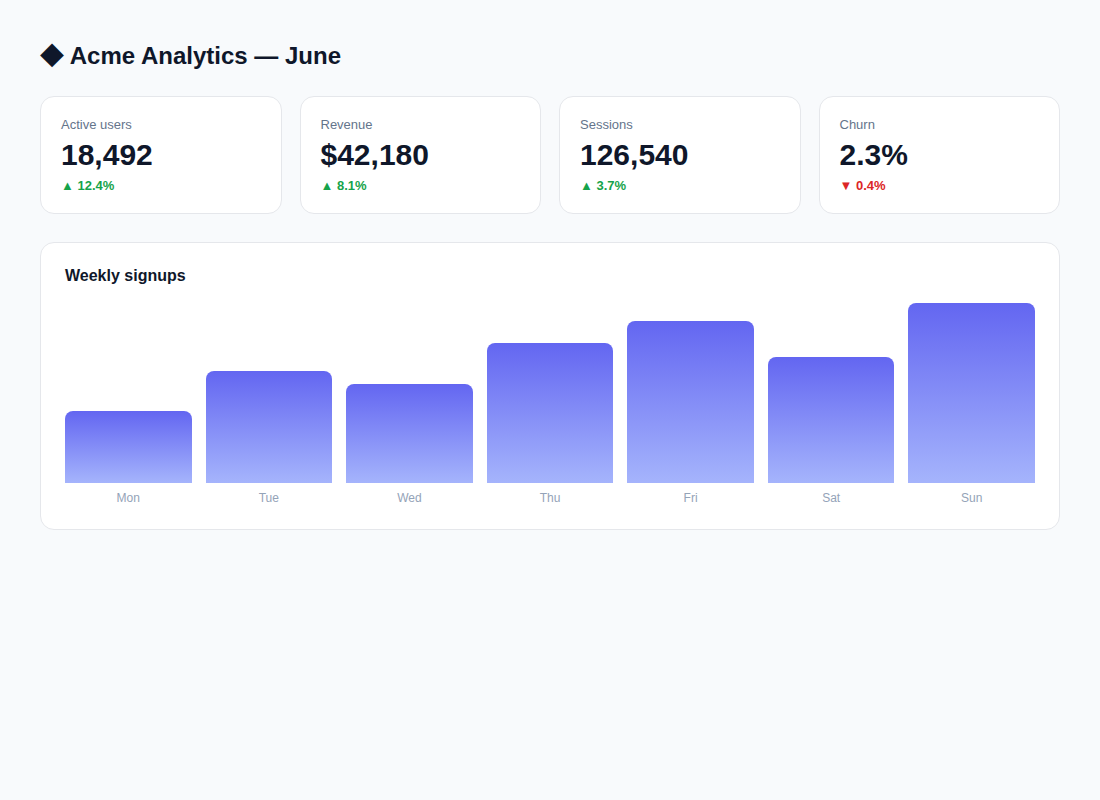
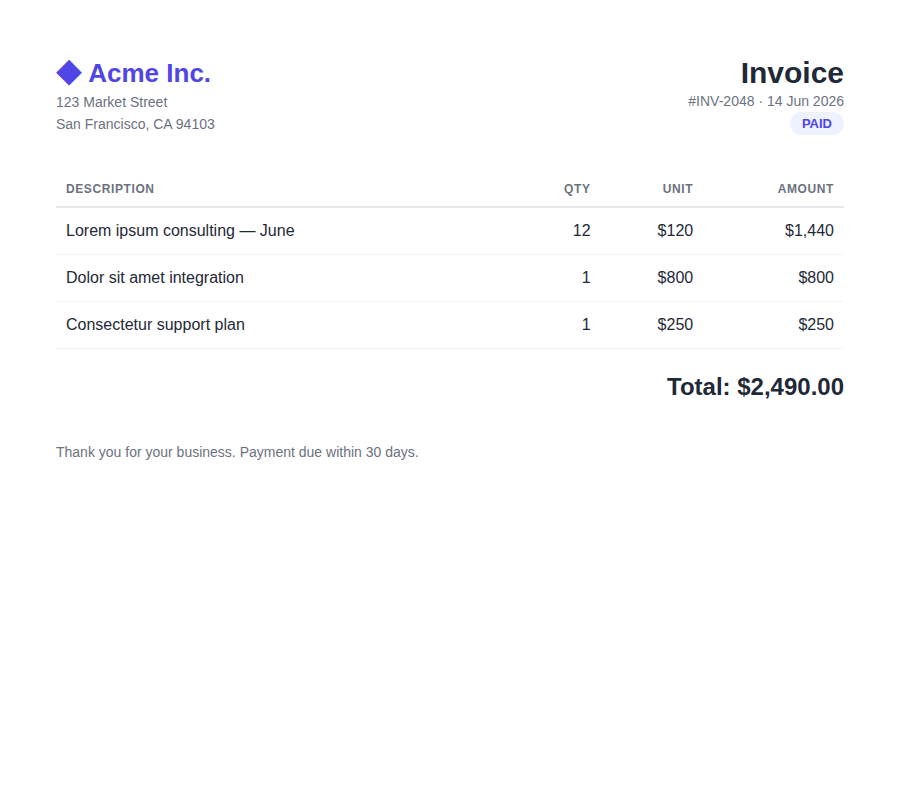
More samples: full-page screenshot (any height) · pricing page · mobile viewport · PDFs (invoice, single-page article, multi-page report, certificate) · a page as Markdown
Setup
Get a free API key at https://snapforge.org (100 one-time renders, no card), then:
Hosted (zero install) — recommended
Point any MCP client at the remote server, with your key in the x-api-key header:
https://snapforge.org/mcp
Local (stdio) — Claude Desktop / Claude Code / any client
{
  "mcpServers": {
    "snapforge": {
      "command": "npx",
      "args": ["-y", "snapforge-mcp"],
      "env": { "SNAPFORGE_API_KEY": "sf_your_key" }
    }
  }
}
Claude Code plugin (one-click)
/plugin marketplace add sporty303/snapforge-mcp
/plugin install snapforge@snapforge
Environment
SNAPFORGE_API_KEY(required)SNAPFORGE_BASE_URL(optional, defaults tohttps://snapforge.org)
License
MIT
Reviews
No reviews yet
Be the first to review this server!
More Developer Tools MCP Servers
Rea
Freeby Morluto · Developer Tools
Reverse engineer anything from your terminal or agent with one CLI and MCP server.
Paperclip
Freeby Paperclipai · Developer Tools
Trending hip-hop artist momentum scores across four cultural dimensions.
Toleno
Freeby Toleno · Developer Tools
Toleno Network MCP Server — Manage your Toleno mining account with Claude AI using natural language.
MCP Marketplace
Freeby mcp-marketplace · Developer Tools
Search and install MCP servers from inside your AI client.
mcp-creator-python
Freeby mcp-marketplace · Developer Tools
Create, build, and publish Python MCP servers to PyPI — conversationally.
by Lharries · Communication
Read, search, and send WhatsApp messages through your AI assistant