
Server data from the Official MCP Registry
Explains wallet approvals and signature requests in plain language: SAFE, CAUTION or RISK.
About
Explains wallet approvals and signature requests in plain language: SAFE, CAUTION or RISK.
Remote endpoints: streamable-http: https://plaintext.fizzl.eu/mcp
Security Report
Valid MCP server (1 strong, 1 medium validity signals). 2 known CVEs in dependencies Imported from the Official MCP Registry. Trust signals: trusted author (6/6 approved).
3 tools verified · Open access · 2 issues found
Security scores are indicators to help you make informed decisions, not guarantees. Always review permissions before connecting any MCP server.
Permissions Found in Source Code
Found by scanning the linked source code. This listing connects to a hosted endpoint, so none of this runs on your machine: it describes what the server software does where it is hosted.
How to Connect
Remote Plugin
No local installation needed. Your AI client connects to the remote endpoint directly.
Add this to your MCP configuration to connect:
{
  "mcpServers": {
    "io-github-fizzl13-plaintext-wallet-checker": {
      "url": "https://plaintext.fizzl.eu/mcp"
    }
  }
}Documentation
View on GitHubFrom the project's GitHub README.
PlainText — wallet approval translator

Built on presign-guard: PlainText's verdicts now come from presign-guard (the same checks, sanctions list, wallet age and signed receipt); PlainText adds the explanation in plain language for people.
POST /api/check-wallet($0.04) uses presign-guard's approval audit,POST /api/explain($0.03) its pre-sign check when the payload is a real approval, transaction or typed-data signature (anything else is explained by the model alone,source: "model"). Agents that only need the verdict and reason codes can call presign-guard directly ($0.01–$0.02). NeedsFIZZL_INTERNAL_KEY(the same value on both services, Render only); without it the old path (GoPlus + Claude) runs.
A small Node.js app that looks up a wallet's token/NFT approvals via the GoPlus Security API and asks Claude to explain them in plain language.
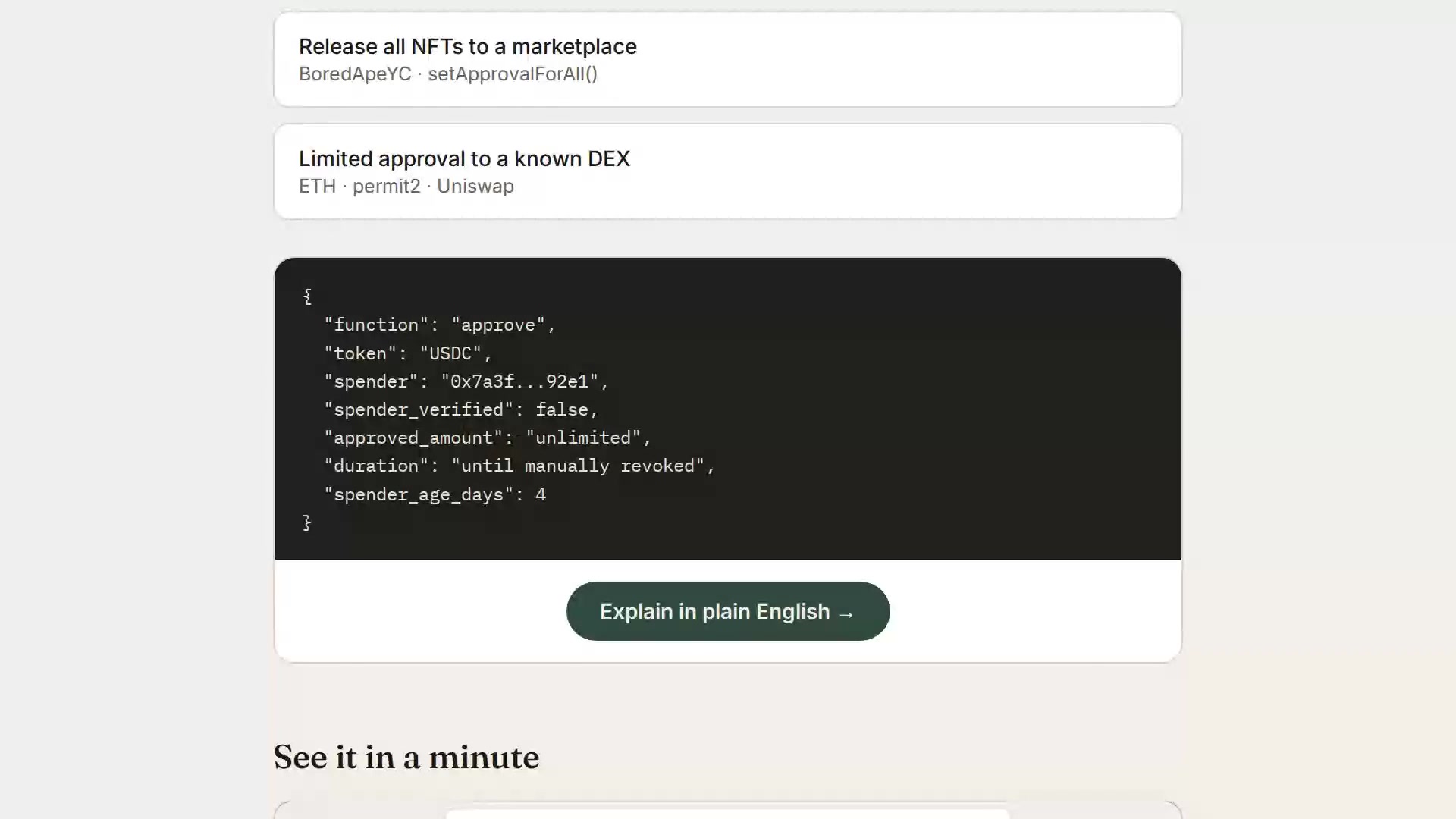
▶ Watch the 1-minute explainer · Live: https://plaintext.fizzl.eu
Project structure
plaintext-wallet/
├── server.js          Express backend (GoPlus + Anthropic calls)
├── media.js           Serves the explainer video from the explainer-video branch
├── feedback.js        POST /feedback and the MCP tool feedback (same file in every Fizzl service)
├── media/explainer/   Script and pipeline for the explainer video
├── package.json
├── render.yaml         Render deploy config (optional, see below)
├── .env.example         Copy to .env for local dev
└── public/
    └── index.html      Frontend (wallet check + demo scenarios)
Feedback
Found a bug, or missing something? Send it with POST /feedback (free, no payment) or the MCP tool feedback:
curl -X POST https://plaintext.fizzl.eu/feedback \
  -H 'content-type: application/json' \
  -d '{"type": "feature", "message": "Support Solana wallets", "endpoint": "/api/check-wallet"}'
type is bug, feature or other; message is required (up to 2000 characters); endpoint and contact are optional. The answer is 202 with an id. At most 10 reports per hour per caller. Reports go to the usage log, and a person reads every one; nothing in a report is run or changed automatically. GET /feedback shows the schema.
1. Run it locally first
cd plaintext-wallet
npm install
cp .env.example .env
# edit .env and paste your ANTHROPIC_API_KEY
npm start
Open http://localhost:3000 — try the "Try a sample" tab first (no API keys needed besides Anthropic), then "Check a wallet" with a real address once you're happy it works.
2. Deploy to Render
Option A — one-click via render.yaml (Blueprint)
- Push this folder to a new GitHub repo.
- In the Render dashboard: New + → Blueprint → select your repo.
Render reads
render.yamlautomatically and creates the web service. - When prompted, fill in the environment variables:
ANTHROPIC_API_KEY— required, from console.anthropic.comGOPLUS_ACCESS_TOKEN— optional, only needed if you outgrow GoPlus's free 30 calls/minute limit (see console.gopluslabs.io)
- Click Apply — Render builds and deploys automatically.
Option B — manual web service (no render.yaml needed)
- Push this folder to a GitHub repo.
- Render dashboard → New + → Web Service → connect your repo.
- Settings:
- Environment: Node
- Build Command:
npm install - Start Command:
npm start - Instance Type: Free (fine for a prototype)
- Under Environment Variables, add
ANTHROPIC_API_KEY(and optionallyGOPLUS_ACCESS_TOKEN). - Click Create Web Service. Render gives you a
https://<name>.onrender.comURL once the build finishes.
Render's free tier spins the service down after inactivity — the first request after idling will take ~30-50 seconds to wake up. That's normal and fine for a prototype you're sharing for feedback.
Notes on the GoPlus integration
- The wallet check calls
token_approval_securityornft721_approval_securityunderhttps://api.gopluslabs.io/api/v2/.... This is documented but the GoPlus docs site is JS-rendered, so before you rely on this in front of real users, do one manual test call (e.g. withcurl) against a wallet you control, and compare the actual JSON shape to whatserver.jsexpects — field names occasionally shift between GoPlus API versions. - The free GoPlus tier is capped at 30 calls/minute — plenty for early testing, but rate-limit errors will surface as a plain error message in the UI if you exceed it.
- No user data is stored anywhere in this app — every check is a stateless round trip. If you later add accounts, saved wallets, or history, update this note (and your own privacy policy) accordingly.
Costs to expect
- Render free tier: $0/month, with the cold-start behavior above. A paid tier ($7/month "Starter") removes the spin-down if this gets real usage.
- Anthropic API: pay-per-use, billed to whatever key you provide. A single explanation call is small (well under 1K tokens), so cost per check will be a fraction of a cent — but keep an eye on your usage dashboard if this gets shared widely, since there's no rate limiting built into this prototype yet.
Reviews
No reviews yet
Be the first to review this server!
More Finance MCP Servers
Toleno
Freeby Toleno · Developer Tools
Toleno Network MCP Server — Manage your Toleno mining account with Claude AI using natural language.
MCP Marketplace
Freeby mcp-marketplace · Developer Tools
Search and install MCP servers from inside your AI client.
mcp-creator-python
Freeby mcp-marketplace · Developer Tools
Create, build, and publish Python MCP servers to PyPI — conversationally.
by Lharries · Communication
Read, search, and send WhatsApp messages through your AI assistant
FinAgent
Freeby mcp-marketplace · Finance
Free stock data and market news for any MCP-compatible AI assistant.
Memory
Freeby Modelcontextprotocol · Productivity
Knowledge graph-based persistent memory across sessions